Reports
What reports are, which ones Clinica has, and how to read and export them.
A report gathers what was recorded day by day (appointments, treatments, invoices, payments, expenses) into totals for a period you choose, so you can see how the clinic is doing without counting by hand. Every figure comes from the records themselves, so a report is only as complete as the recording.
1Choose a report and a period
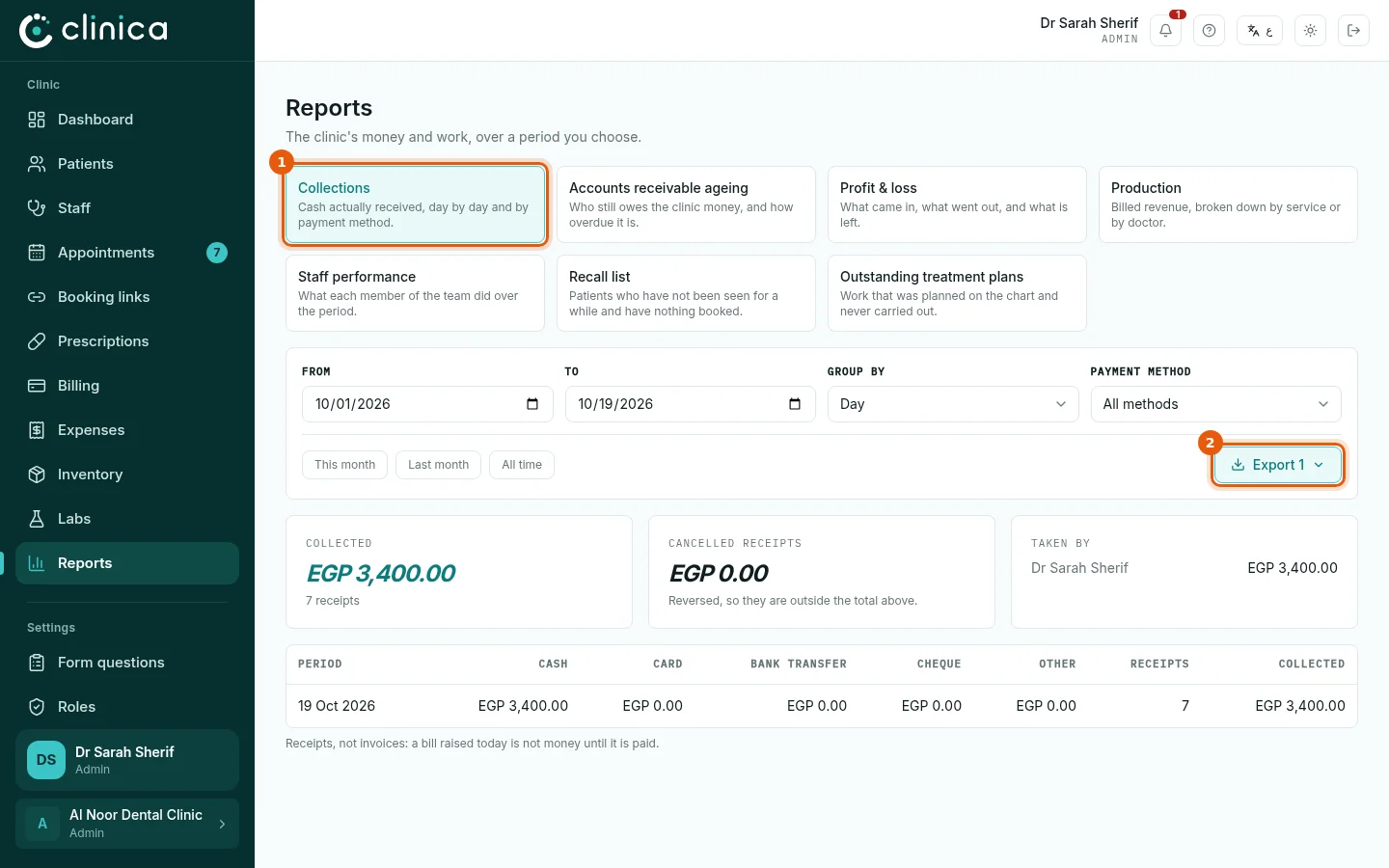
Open Reports and press a report's card 1. Choose the dates, or a shortcut such as This month, and any grouping or filter the report offers. Press 2 to export it to Excel or PDF, for your accountant for example.
2The money reports
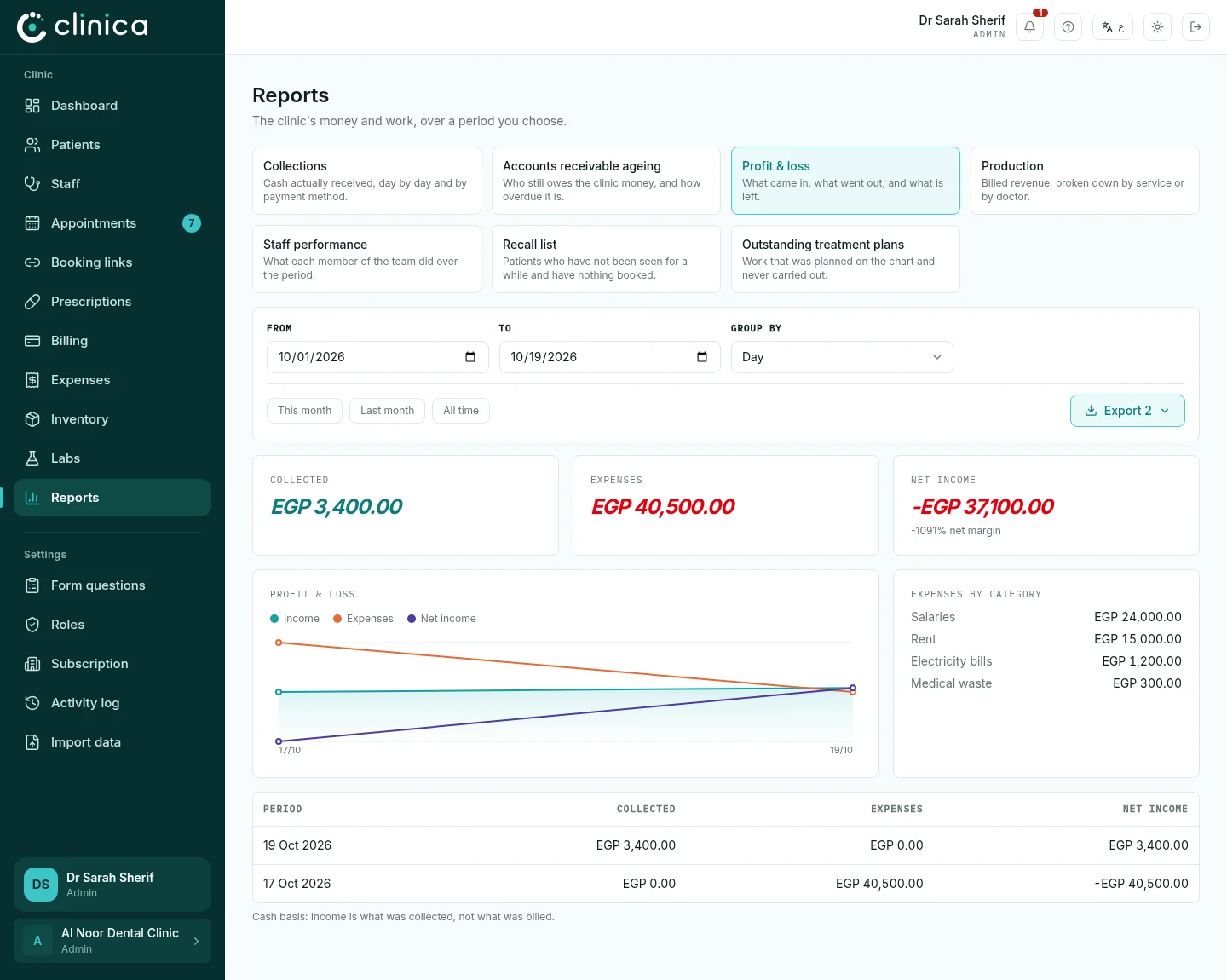
Collections: the money actually received, by day and by payment method. Accounts receivable ageing: who owes the clinic money and for how long. Profit & loss: what came in, what went out (expenses) and what is left. Production: invoiced revenue by service or by doctor.
3The work reports
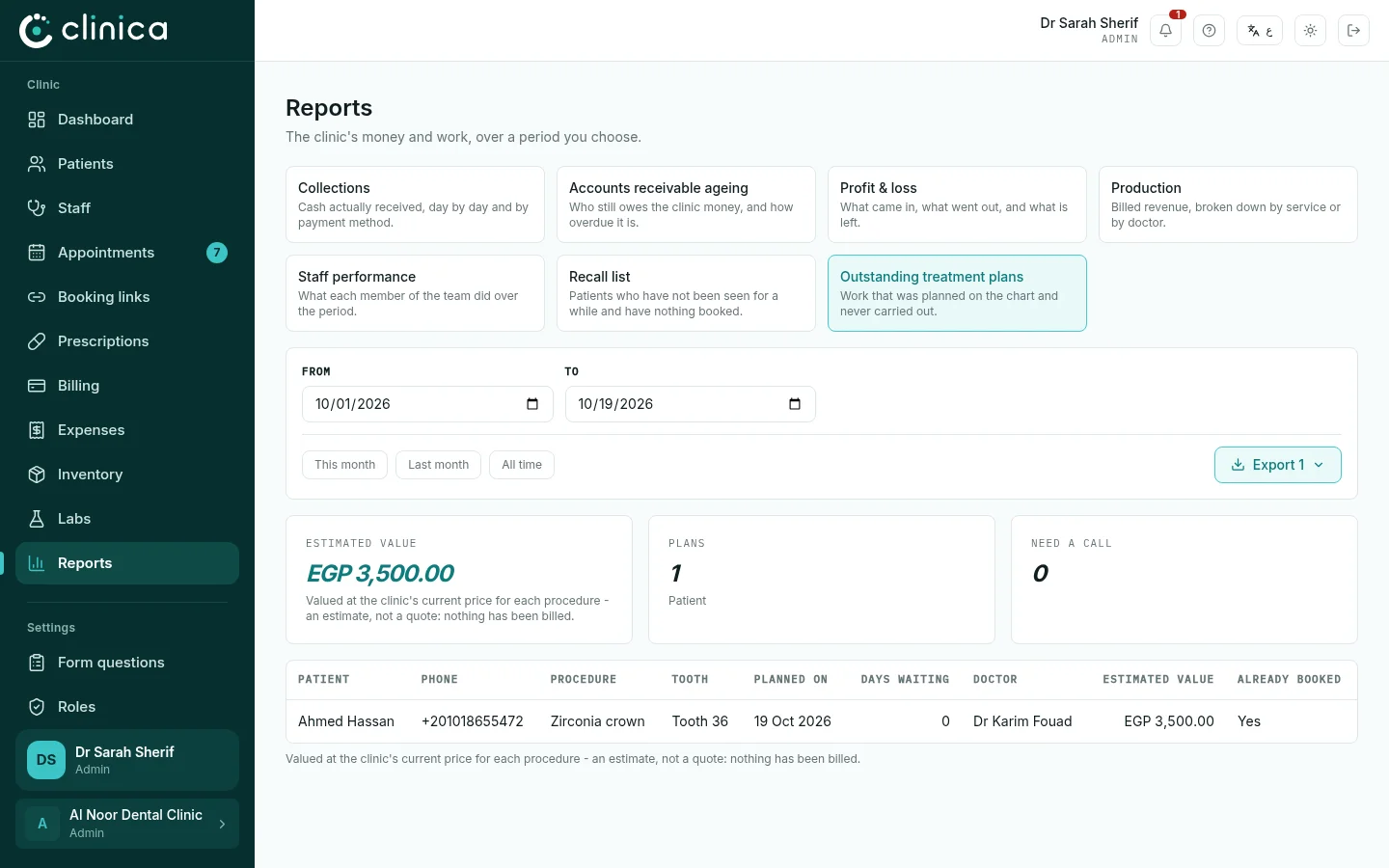
Staff performance: what each member of the team did in the period. Recall list: patients not seen for a while with nothing booked, to call back. Outstanding treatment plans: treatment planned on the chart and never done, a list of work waiting to be booked.
 Each report needs permission to the part of the system it reads: the money reports need billing or expenses, for example. A report you cannot open is not shown to you.