Choosing a plan and requesting an account
Which plan suits your clinic, how to send your request, and what happens next.
Clinica accounts are set up by our team rather than created automatically. You choose a plan and send a short request; we contact you, prepare your clinic and send you your sign-in details. This keeps every clinic's setup correct from the first day.
1Compare the plans
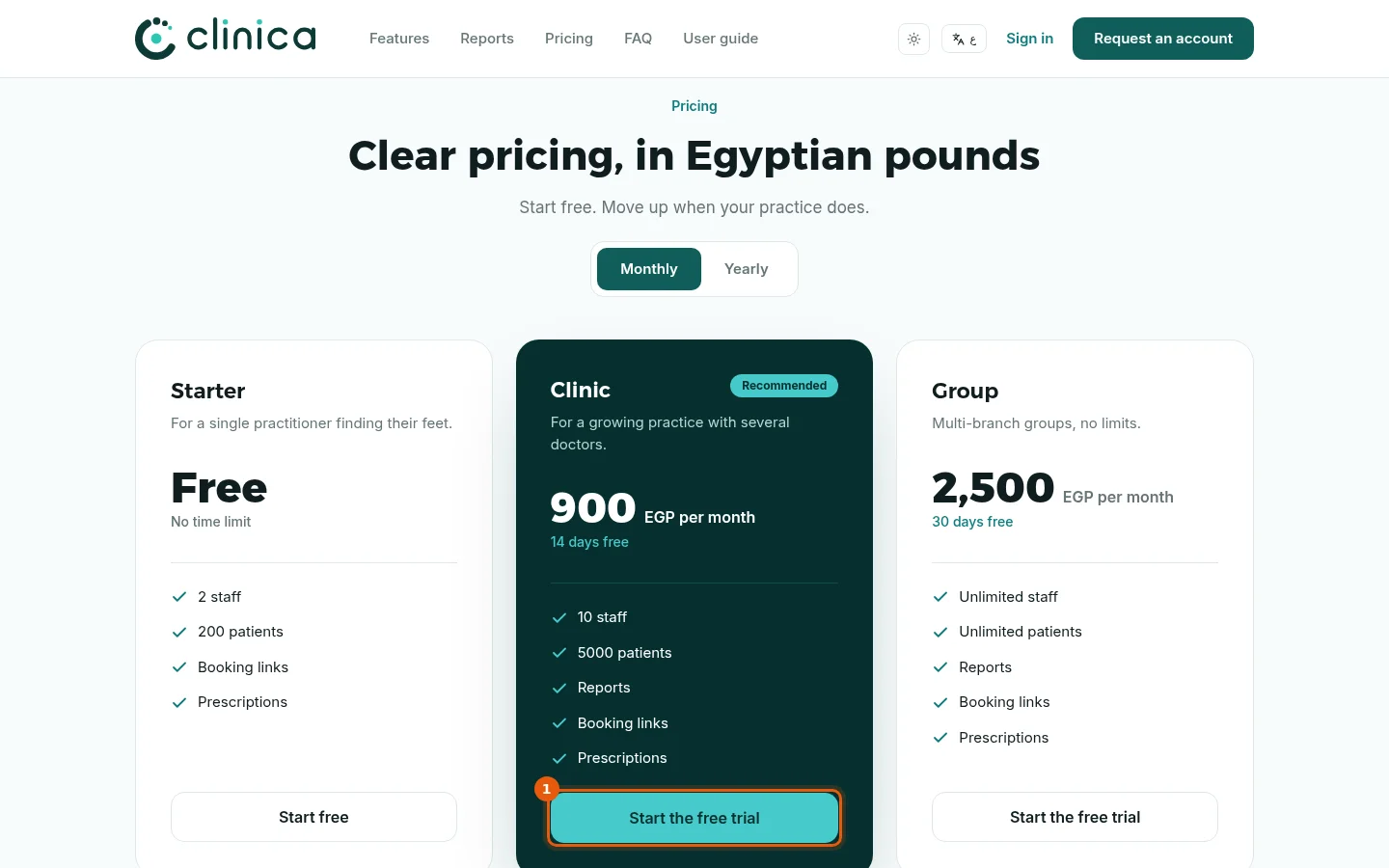
Open clinica-cloud.com and go to Pricing. Each card lists the plan's limits and what it includes; the switch above the cards shows monthly or yearly prices.
2Which plan is right for you?
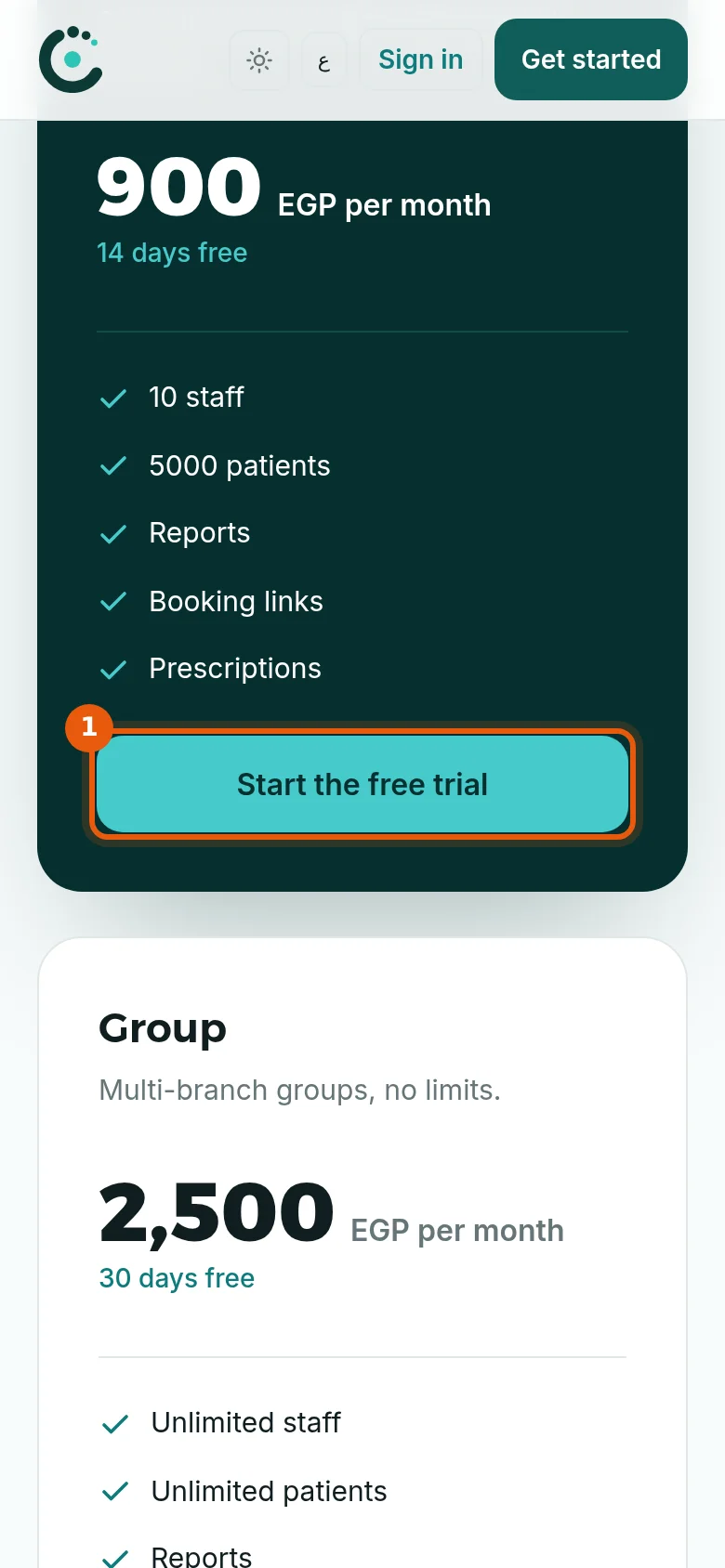
The free plan suits a single doctor starting out: patients, appointments, schedules and booking links. The Clinic plan adds what a practice with staff needs: the dental chart, invoices and payments, prescriptions, expenses, reports, roles and the patient form questions. The Group plan has no limits and adds multiple branches, inventory, labs and the patient photo file. Paid plans start with a free trial, so you can try them on your real work before paying.
Prices and plan contents can change; the pricing page always shows the current ones. You can move to another plan later without losing any data.3Send your request
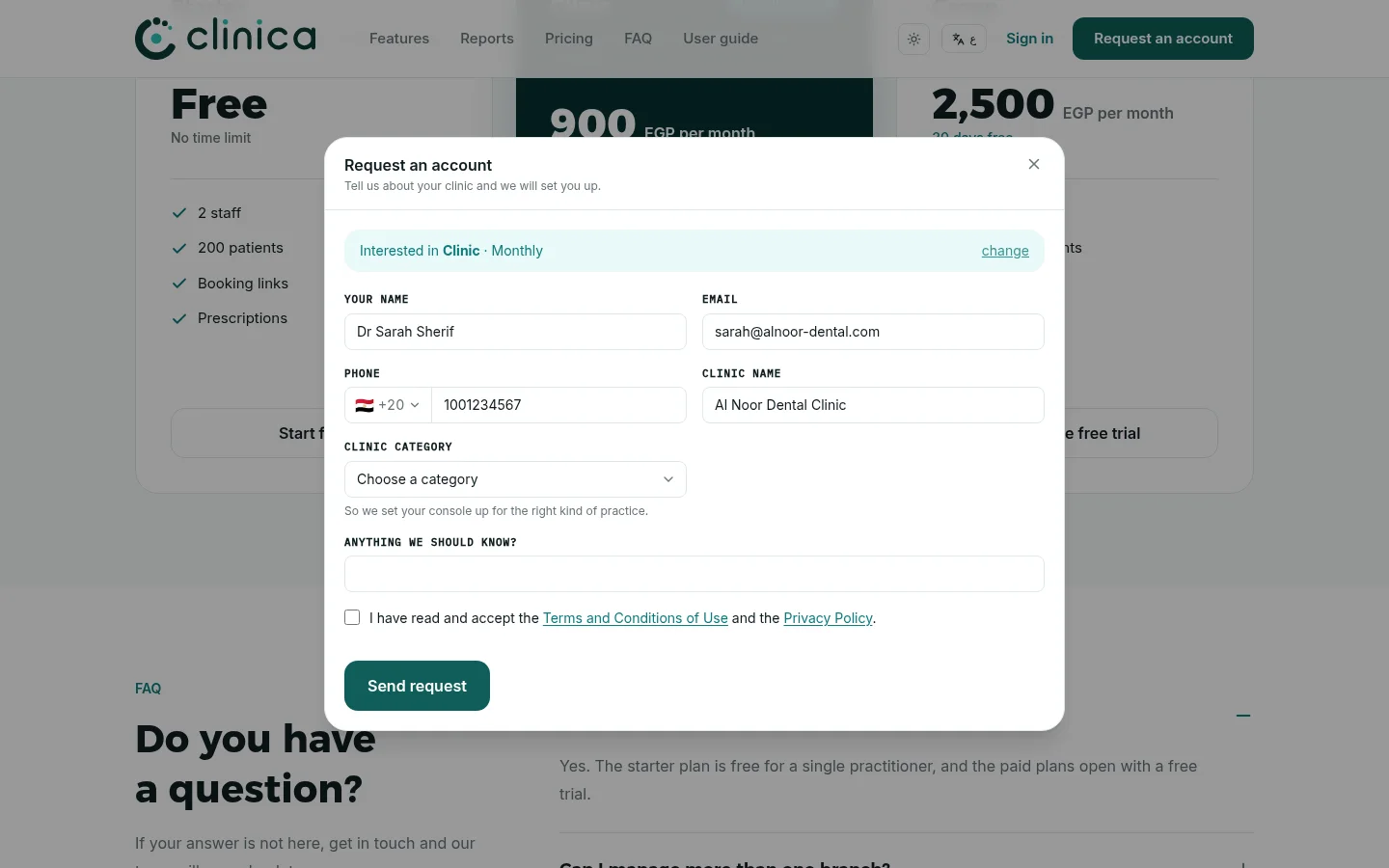
Press 1 on the plan you want. The Request an account form opens with that plan already selected. Fill in your name, email, phone, clinic name and clinic category, tick the box to accept the terms and the privacy policy, then press Send request.
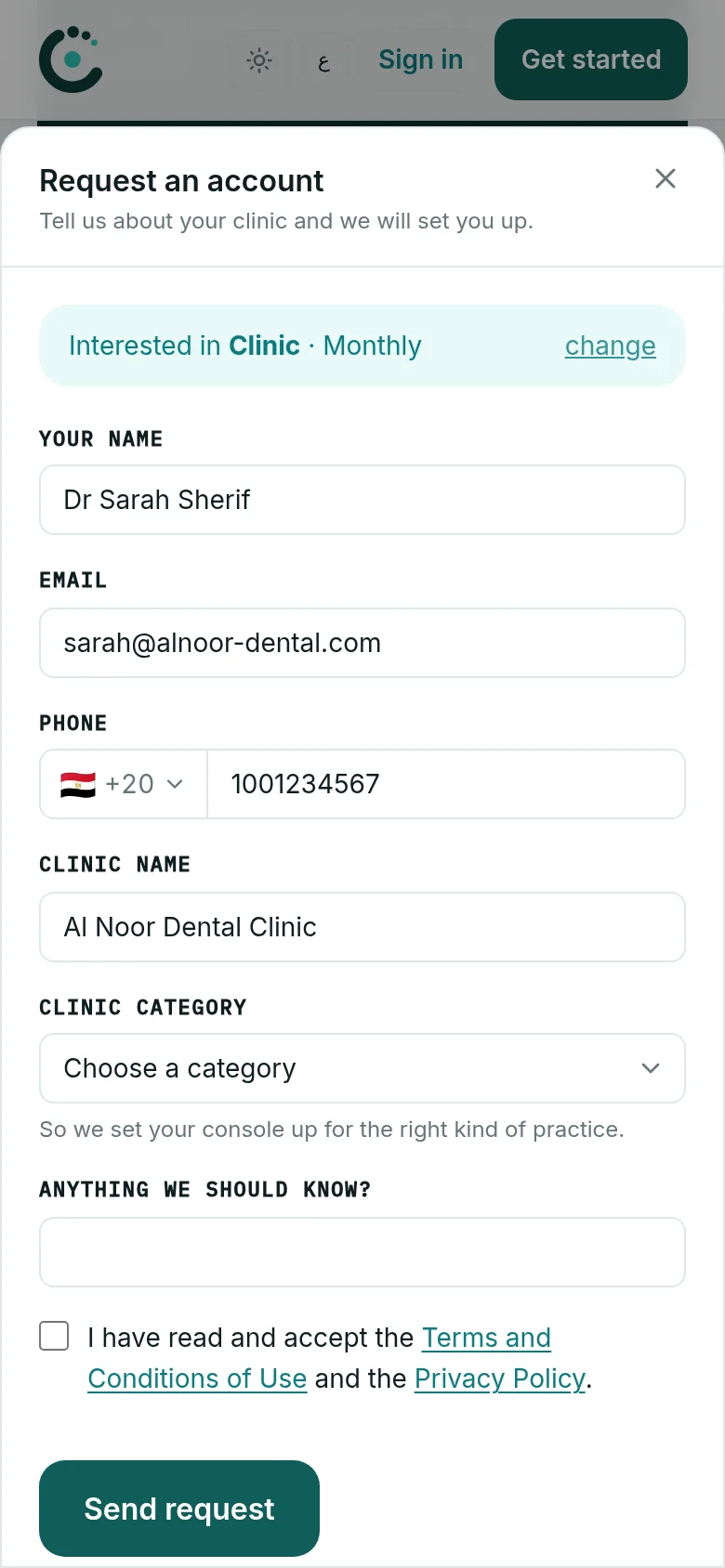 Choose the clinic category carefully: it decides which tools your console is set up with. A dental clinic, for example, gets the dental chart.
4We set up your clinic
Our team reviews your request and contacts you on the phone number you gave. Once your clinic is ready, you receive a WhatsApp message with the sign-in link, your email and a temporary password.
5Sign in for the first time
Open the link from the message, enter your email and the temporary password, and press Sign in. Then open your account page and change the password to one only you know.
Next: complete your clinic profile, add your staff and set the doctors' working hours, so patients can be booked.